
Affiliate-Benutzer in eine CSV-Datei exportieren
Updated September 3, 2026
You can export a CSV file of all your affiliate users for external use from the “Coupon Affiliates > Affiliate Users” admin page.
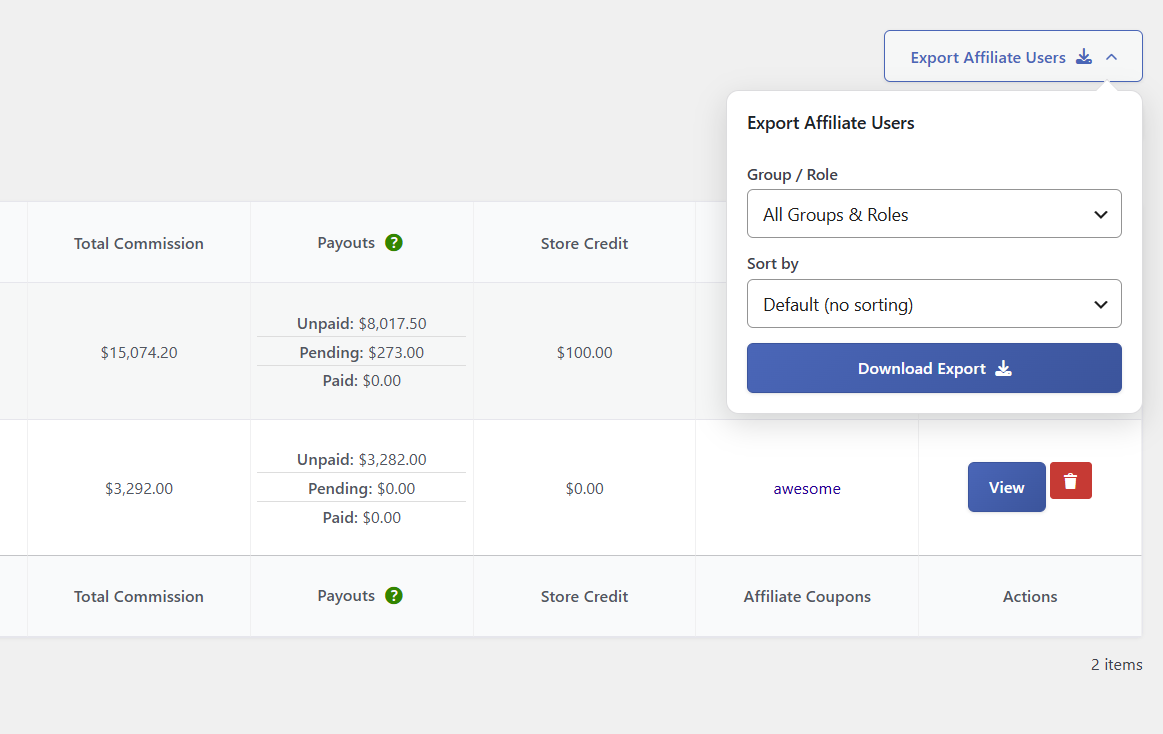
The “Export Affiliate Users” button sits on the right. Click it to open a panel where you can choose the Group / Role und Sort by options, then click Download Export. This matches the export on the Affiliate Orders page.
The CSV includes most of the information that is shown on “Affiliate Users”, as well as some other affiliate user details such as their name and email address.
 English
  Spanish
  German
  French