
How do I only show “completed” orders on affiliate dashboard?
Updated June 24, 2021
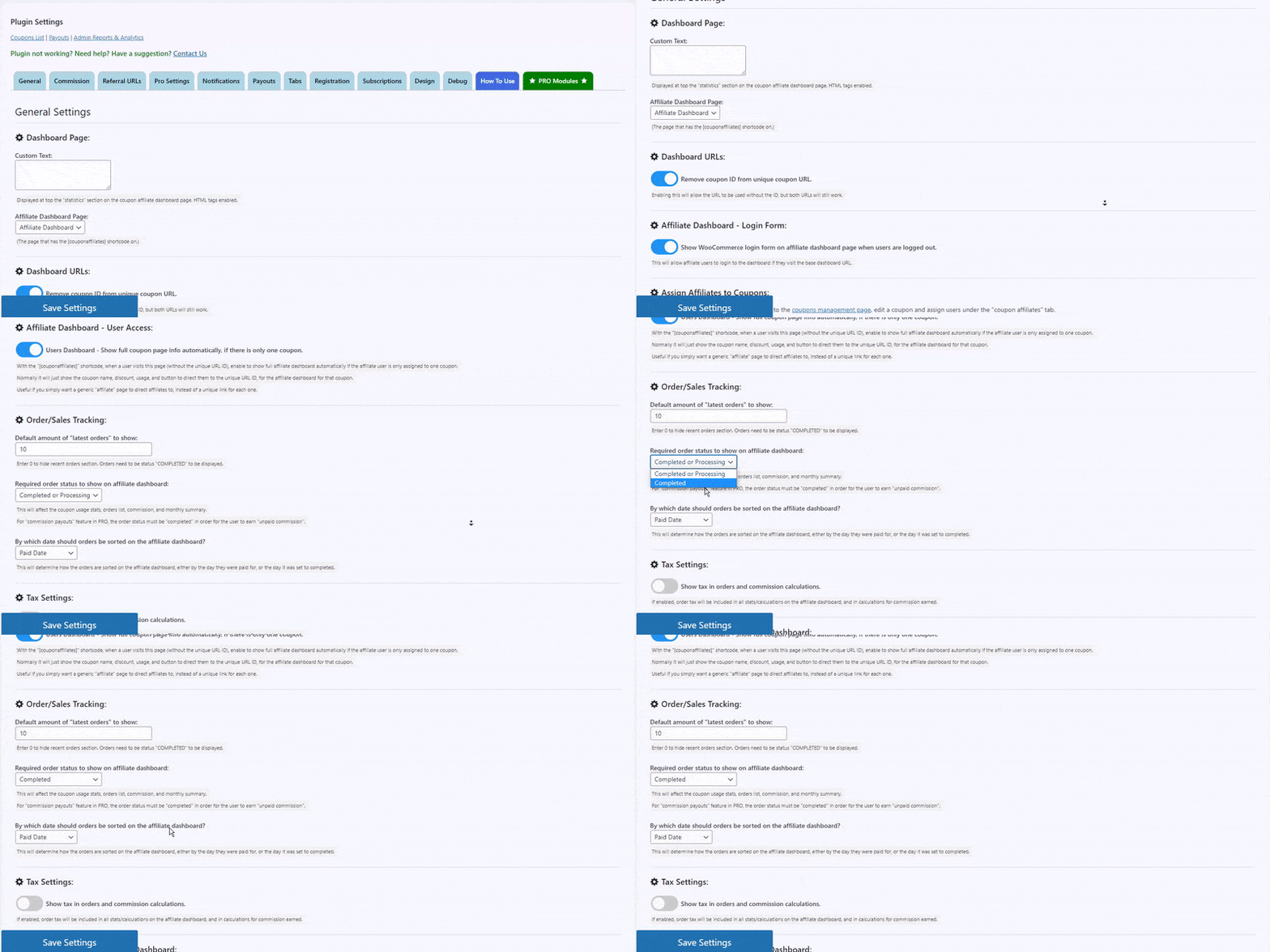
If you only want to show/reward “completed” orders on the coupon affiliate dashboard, then simply go to the “general” plugin settings, and scroll down to the option “Required order status to show on affiliate dashboard” and change that to “completed”.
For the full explanation, including how this differs from the setting that grants commission, see Select which order statuses to show on the affiliate dashboard.
 English
  Spanish
  German
  French